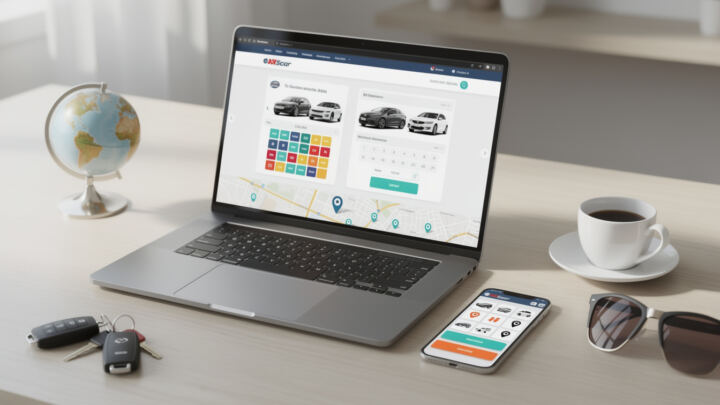
Finding a car rental online used to mean opening ten tabs, copying prices into a notes app, and still getting surprised by “extras” at checkout. Now it’s more like a fast-moving marketplace: booking apps push flash promos, comparison engines refresh rates every few minutes, and “opaque” offers can slash the bill if you’re flexible. The catch is that the best deal isn’t always the lowest headline number—it’s the one that matches your trip, your risk tolerance, and your ability to handle deposits, mileage limits, and insurance rules at the counter.
To keep this practical, we’ll follow one running example: Maya, a frequent traveler who splits her year between quick business trips (tight schedules, predictable needs) and weekend getaways (more flexible, more price-sensitive). She’s trying to rent a car for a three-day trip from a major U.S. airport, and then again for a coastal drive abroad. Same person, different priorities—so the “best websites” list changes depending on what matters most. Let’s break down which platforms tend to shine, where the traps are, and how to consistently land solid car rental deals without the stress.
In brief
- 🚗 If you want pure price hunting, opaque deals (Hotwire/Priceline) can be brutal—in a good way—but they’re often non-refundable.
- 🔎 For broad car rental comparison across many suppliers, aggregators like RentalCars.com and DiscoverCars are built for fast scanning and filtering.
- 📦 If you’re booking flights/hotels too, Expedia can be cheaper overall via bundles, even when the car alone isn’t the lowest.
- 🧾 The real money sink is usually extras: insurance, young-driver fees, deposits, toll programs, and “pay later” terms.
- 📱 The best travel apps for repeat renters store driver details so you can rebook in minutes.
Best websites and apps for booking car rentals: how to compare like a pro
Maya’s first rule is simple: never judge a deal by the first number you see. Most platforms show a daily rate up front, but your actual total can shift once taxes, location surcharges, and add-ons appear. The good best websites for online booking make those costs visible early, so you’re not doing mental math at midnight.
Start with a clean comparison workflow. Maya searches the same pickup time and location across at least two tools: one metasearch site (for breadth) and one “deal style” site (for discounts). Why? Because some platforms are better at surfacing mainstream inventory, while others specialize in discount car rentals through limited-info offers.
What “car rental comparison” should actually include
A real comparison isn’t just “Company A vs Company B.” It’s: cancellation policy, what’s included (mileage, basic coverage), and what the counter will demand (credit card, deposit, proof of insurance). A $38/day quote can turn into $78/day if you’re forced into expensive coverage you didn’t plan for.
Maya checks five fields before she even clicks “Book”: total price, payment timing (pay now vs pay later), cancellation terms, fuel policy, and deposit estimate. She also filters for “automatic transmission” when traveling abroad—because in many places, the cheapest options are manual by default.
Quick sanity checks that save real money
Here’s the unglamorous part: reading the fine print is the cheapest upgrade you’ll ever buy. Maya learned this after a short business trip where she got hit with a “premium location fee” and a higher deposit because she used a debit card. Same itinerary, different payment method—different outcome.
- ✅ 🚦 Check the total (not just “per day”) before checkout.
- ✅ 🧾 Confirm whether the rate includes taxes and airport concession fees.
- ✅ 🛡️ Identify what insurance is included and what’s optional vs required.
- ✅ 💳 Verify the deposit and whether a credit card is mandatory.
- ✅ ⏱️ Match pickup/drop-off times exactly—one extra hour can trigger an extra day.
If you do this consistently, you stop “chasing cheap” and start booking smart. Next up: the platforms that win when your only goal is paying less.
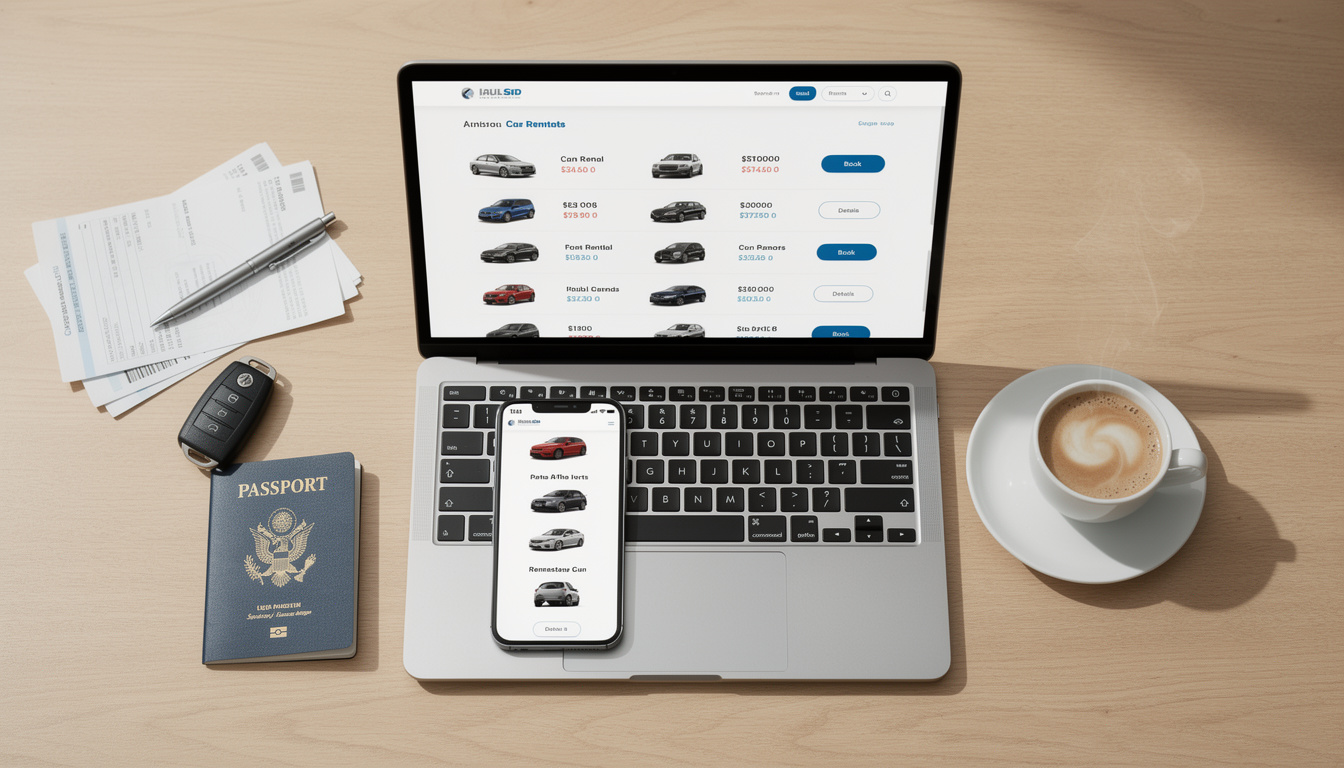
Best websites for cheap car rental deals: Hotwire vs Priceline (opaque pricing explained)
Opaque pricing is basically the thrift-store version of car hire: you might not know the exact brand until you pay, but the price can be shockingly good. For Maya’s weekend getaway—where she just needs “a clean automatic compact, nothing fancy”—this approach is perfect. For a business trip with a client meeting? Maybe not.
Hotwire and Priceline are the two names most people associate with opaque car rental deals. The basic trade is straightforward: you accept limited info up front in exchange for a lower rate. It’s not magic; it’s inventory management. Rental companies would rather sell spare cars quietly at a discount than publicly drop prices and upset their regular rate structure.
Hotwire: great prices, but you’re committing
Hotwire tends to deliver some of the lowest quotes in big U.S. cities and airport markets, especially when demand is uneven. The downside is that many of the sharpest offers are non-refundable. That’s not a “maybe”—it’s the core of how the deal stays cheap.
Maya uses Hotwire when her dates are locked and she’s okay with a mainstream company rather than a specific brand. She’s saved enough on weekend rentals to treat it like a “price lever”: if hotel costs spike, she tries to offset by grabbing an opaque car deal.
One nuance: opaque inventory can be less consistent in parts of Europe. So if Maya is planning a road trip abroad, she may not see the same style of deals, or the savings may shrink.
Priceline: similar concept, sometimes better in specific cities
Priceline’s opaque-style discounts can compete head-to-head with Hotwire, and in certain markets it can even beat it. The difference is often less about “which company is cheaper” and more about moment-to-moment inventory and location. That’s why Maya checks both when she’s hunting discount car rentals.
Priceline also plays nicely if you’re booking other travel elements in one place. Even when the car price is roughly tied, convenience matters when you’re juggling meetings, airport transfers, and hotel changes.
When opaque deals are a bad idea
If Maya needs free cancellation because her schedule is volatile, opaque is the wrong tool. Same if she needs a precise vehicle class for gear (child seats, ski bags, film equipment) or accessibility requirements. In those cases, “cheap” can become “expensive” the moment you have to rebook.
Opaque sites are like buying concert tickets from a last-minute reseller: amazing when it works, painful when plans change. That’s the mental model to keep, and it’ll steer you right into the next category—flexible aggregators.
If you want to see the mechanics in action, it helps to watch a walkthrough of how deal filters change totals in real time.
Car rental comparison engines that feel built for humans: RentalCars.com, DiscoverCars, CheapCarRental.com
Comparison engines are Maya’s “default mode” for online booking. They’re not always the absolute cheapest on a single search, but they’re consistently good at showing you the landscape: multiple suppliers, clear filters, and enough detail to avoid the worst surprises.
RentalCars.com: strong coverage and flexible change rules
RentalCars.com started in the mid-2000s and grew into a global heavyweight, now operating under the broader Booking.com ecosystem. For U.S. travelers, it’s especially handy because it commonly displays major domestic brands alongside international suppliers in one scan.
One standout detail that matters in real life: many bookings allow changes or cancellations up to roughly 48 hours before pickup without penalty. That cushion is huge for Maya’s work trips—because meetings move, flights get retimed, and suddenly you’re landing at 9 p.m. instead of 6 p.m.
Insurance is where people get tripped up. Even if you buy coverage through the platform, you still sign a separate agreement at the counter with the rental company. That can mean a deposit is still required, or you still need to show proof of your own coverage. Maya treats platform insurance as “a layer,” not a universal shield.
DiscoverCars: clean interface and its own “pay-back” full coverage option
DiscoverCars is another popular car rental comparison platform with broad international reach, working with a huge network of suppliers across tens of thousands of locations. It has a very “explains-it-like-you’re-a-person” vibe: definitions and help text appear where you actually need them, like around deductibles.
Its “Full Coverage” add-on is worth understanding before you buy. It often works as a reimbursement model: if the rental company charges you for damage/theft, you pay first and then claim back. That’s different from true “zero excess” products where you may avoid paying up front. Maya chooses it when she’s traveling internationally and wants predictable risk, but she keeps enough credit limit available just in case.
CheapCarRental.com: broad supply via CarTrawler-powered tech
CheapCarRental.com is built on comparison technology used by many travel brands, tapping a wide supplier network. The practical upside is variety: you might see options that don’t surface on smaller aggregators, especially when you’re searching less obvious pickup points.
The practical downside is also common to big engines: the “cheapest” headline price may exclude extras, and you still have to meet local supplier rules around age, deposits, and payment cards. Maya’s habit is to click into the terms of the cheapest two offers and compare what’s actually included before she gets emotionally attached to a price.
A quick platform comparison table (what each one is best at)
| Platform | Best for | Watch-outs | Vibe |
|---|---|---|---|
| RentalCars.com 🧭 | Flexible changes, broad inventory for U.S. renters 🚗 | Counter rules still apply (deposit/insurance proof) 🧾 | Fast, familiar if you use Booking-style sites 📱 |
| DiscoverCars 🔍 | Clear explanations + strong global coverage 🌍 | “Full Coverage” often reimburses after you pay upfront 💳 | Clean UI, detail-friendly 🧠 |
| CheapCarRental.com 💸 | Wide supplier reach via comparison engine 🗺️ | Cheapest rate may exclude extras; check supplier rules ⚠️ | Quick lists, simple filters ⚙️ |
Once Maya sees the field, she moves to the next step: bundling and loyalty-style convenience—because sometimes the best “car deal” is attached to the rest of your trip.
Booking apps and travel apps that simplify car hire: Expedia, bundles, and repeat-renter speed
There’s a reason huge travel apps still dominate: they’re not just selling car rental. They’re selling fewer headaches. When Maya has a busy month, she’ll gladly trade a tiny price premium for a smoother workflow—stored profiles, one itinerary, and easier changes.
Expedia: the “everything in one basket” advantage
Expedia is one of the biggest names in online booking, and it’s especially relevant when you’re building a full trip: flight, hotel, and rent a car in one place. It often matches competitive car-only pricing, but the real leverage is bundling. If Maya is booking a hotel anyway, the bundle total can undercut piecemeal shopping—even if the car line item looks average.
Expedia typically doesn’t lean into opaque rates the way Hotwire or Priceline do, so the “lottery ticket savings” are less common. But when Maya needs predictability (exact class, clearer terms, easier changes), that trade is fine.
Speed features that matter more than you’d think
In 2026, the “best” booking apps aren’t just the ones with the lowest prices. They’re the ones that reduce friction: saving driver details, remembering loyalty numbers, and letting you rebook quickly when flights shift. Maya’s personal metric is: “Can I redo this booking in under five minutes while standing in a boarding line?”
Even small UX things matter, like showing the total cost early, or making it obvious whether a rate is pay-now. If a platform hides the important terms until the last screen, Maya treats it like a warning sign.
Case story: business trip vs weekend trip, same city
Maya once had two rentals in the same month from the same airport. For the weekend trip, she used an opaque deal and saved enough to upgrade her hotel. For the business trip, she booked through a mainstream app flow because she needed free cancellation when her return meeting moved by half a day.
Same airport, same dates style, different strategy. That’s the whole game: using the right tool for the specific job. Next, let’s talk about the site that’s basically built for price transparency nerds.
Autorentals.com and transparent pricing: why total-cost clarity beats “cheap per day”
Some platforms feel like they’re daring you to misread the price. Autorentals.com is the opposite: it leans into clarity, showing both the daily rate and the total cost in a way that’s easy to compare across multiple sources. If you’ve ever booked what looked like a bargain and then realized the final total was… not that, you’ll get why Maya likes this style.
Metasearch that shows a lot, fast
Autorentals.com functions like a metasearch engine, often surfacing a large set of vehicle options (think dozens of models/classes) and pulling rates from multiple places. That’s useful when you’re flexible on the exact car but picky about the budget and terms.
Maya uses it as a “truth serum” after she finds a deal elsewhere. If Hotwire shows an insane rate, she checks Autorentals to see what the non-opaque market looks like. If the gap is small, she might choose flexibility. If the gap is huge, she’ll accept the opaque risk.
The one catch: cancellation terms can vary a lot
Transparent pricing doesn’t automatically mean flexible bookings. Some results you’ll see across metasearch feeds can be partially or fully non-cancellable, or cancellable with fees. Maya’s trick is to treat cancellation as a priced feature: if she needs it, she filters for it and accepts that it may cost more.
Mini checklist for avoiding counter surprises (the stuff people forget)
- 🧒 Age rules: under-25 fees can crush a “cheap” rate fast.
- ⛽ Fuel policy: “full-to-full” is usually simplest.
- 🛣️ Toll programs: convenient, but sometimes overpriced—do the math.
- 🧳 Size realism: a “midsize” can be tight with two big suitcases.
- 📍 Location: airport rentals can add fees; off-airport can add time.
The point isn’t to memorize rules—it’s to book with eyes open. Once you do that, the “best websites and apps for booking car rentals” stop feeling like a gamble and start feeling like a toolkit.
Which is better for the cheapest car rental deals: Hotwire or Priceline?
They’re both strong for discount car rentals using opaque-style offers, and the winner can change by city and date. If your plans are fixed and you can accept limited details up front (often non-refundable), check both and compare the total price and terms before paying.
Is it safer to book car hire through a comparison site like RentalCars.com or directly with the rental company?
Comparison sites are great for car rental comparison and fast filtering, but you’ll still sign a separate agreement with the rental company at pickup. If you want one set of terms end-to-end, booking direct can feel simpler; if you want to scan more suppliers quickly, an aggregator usually wins.
Do booking apps always show the real total cost?
Not always. Some show a low daily rate first, with taxes and extras appearing later. Prioritize platforms that show the full total early, and always re-check deposits, insurance requirements, and cancellation rules before confirming online booking.
How do I avoid paying for insurance twice when I rent a car?
Before you add coverage, check what your credit card includes and what your personal auto policy covers (if applicable). Then compare it with the rental counter’s requirements. Some add-ons are optional, while others may be required depending on country, supplier rules, or payment method.
Why do I sometimes see great prices online but different terms at the counter?
Because the counter enforces supplier rules: credit card type, deposit size, driver age, and acceptable proof of coverage. The booking confirmation is important, but the pickup contract governs the actual rental—so always read the key terms and bring the required documents.