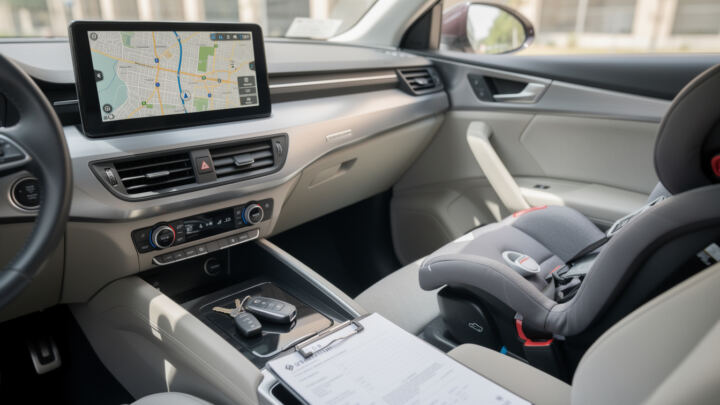
There’s a funny gap between what people think they’re renting and what they actually get at the counter. You book “a midsize sedan,” you picture a screen with GPS navigation, a couple of USB ports, and maybe a slick infotainment setup. Then you land, grab your keys, and realize the dashboard is basically a radio and two knobs. That mismatch is exactly why car rental extras (and how you choose them) matter so much. In the U.S. especially, fleets are a mix: some cars have built-in maps, some rely on CarPlay/Android Auto, and plenty—especially budget models—have no real navigation systems at all.
At the same time, “extras” aren’t just upsells. They can be the difference between a relaxed drive and a chaotic one: a child seat that’s the right size, an additional driver on a long highway haul, a Wi‑Fi hotspot for a work trip, winter equipment for a mountain route, or insurance that keeps a small scrape from turning into a financial headache. The trick is knowing what’s genuinely useful for your itinerary—and what’s just shiny. Let’s break down how car hire options, modern rental technology, and those tempting rental add-ons actually play out on real trips.
En bref
- 🧭 Don’t assume GPS navigation is included—fleet setups vary a lot by class and location.
- 📱 Your smartphone can replace many navigation systems, but only if you plan for data, charging, and a mount.
- 🛰️ A dedicated GPS unit still wins in remote areas and for multi-driver trips where sharing matters.
- 🧳 Smart car rental extras like child seats, additional drivers, Wi‑Fi, and winter gear can prevent real problems.
- 🔍 Vehicle tracking exists in modern fleets for security and operations; it’s not the same as “spying,” but it affects policies.
- 💸 Bundled rental upgrades can reduce surprise fees—especially when navigation, toll tools, and coverage are packaged.
GPS Navigation in Car Hire Options: What “Included” Really Means in 2026
When Maya (our very organized, slightly impatient traveler) flew into Orlando for a theme-park week, she assumed her rental would have built-in navigation. She’d rented cars before, saw a big screen in the listing photo, and figured it was standard. At pickup, the agent pointed out the car supported Apple CarPlay, but it didn’t have onboard maps. Maya’s phone could handle it—until her roaming plan started throwing warnings and she realized she hadn’t downloaded offline maps. The drive to the hotel became an unplanned lesson in modern car rental features.
The big reality: not every vehicle in a U.S. rental fleet includes built-in GPS. Some trims have factory navigation, others just have a screen that mirrors your phone, and many entry-level cars keep things minimal to keep costs down. That means GPS navigation isn’t something you should “expect”; it’s something you should verify. Your booking confirmation or vehicle spec is the only thing that counts, not the marketing photo or the mental image of a dash-mounted sat nav from years ago.
Three common navigation setups you’ll actually encounter
First, there’s factory navigation: maps stored in the vehicle, typically with a subscription or periodic updates. Second, connected infotainment: the screen is there, but directions come from your phone through CarPlay or Android Auto. Third, no practical navigation: a basic head unit with Bluetooth, where you’ll still use your phone—but without the convenience of a larger display.
This is where comparing car hire options by “tech spec” becomes as important as comparing by “car class.” Some booking platforms (for example, Hola Car Rentals-style listings) make this clearer by showing whether your deal includes navigation, CarPlay/Android Auto support, or neither. If navigation matters—say you’re landing after a red-eye and driving straight into unfamiliar highway interchanges—treat it like a must-have feature, not a nice surprise.
Why this matters beyond convenience
Navigation affects stress, safety, and timing. Miss one airport exit in a busy metro area and you can lose 20 minutes, hit toll roads you didn’t plan for, or end up in a loop that’s hard to escape when you’re jet-lagged. The punchline is simple: clear navigation is a safety tool, not just a comfort perk. Next, it’s worth looking at what a dedicated GPS does better—and where it falls short.
GPS Benefits vs Smartphone Navigation Systems: A Real-World Trade-Off
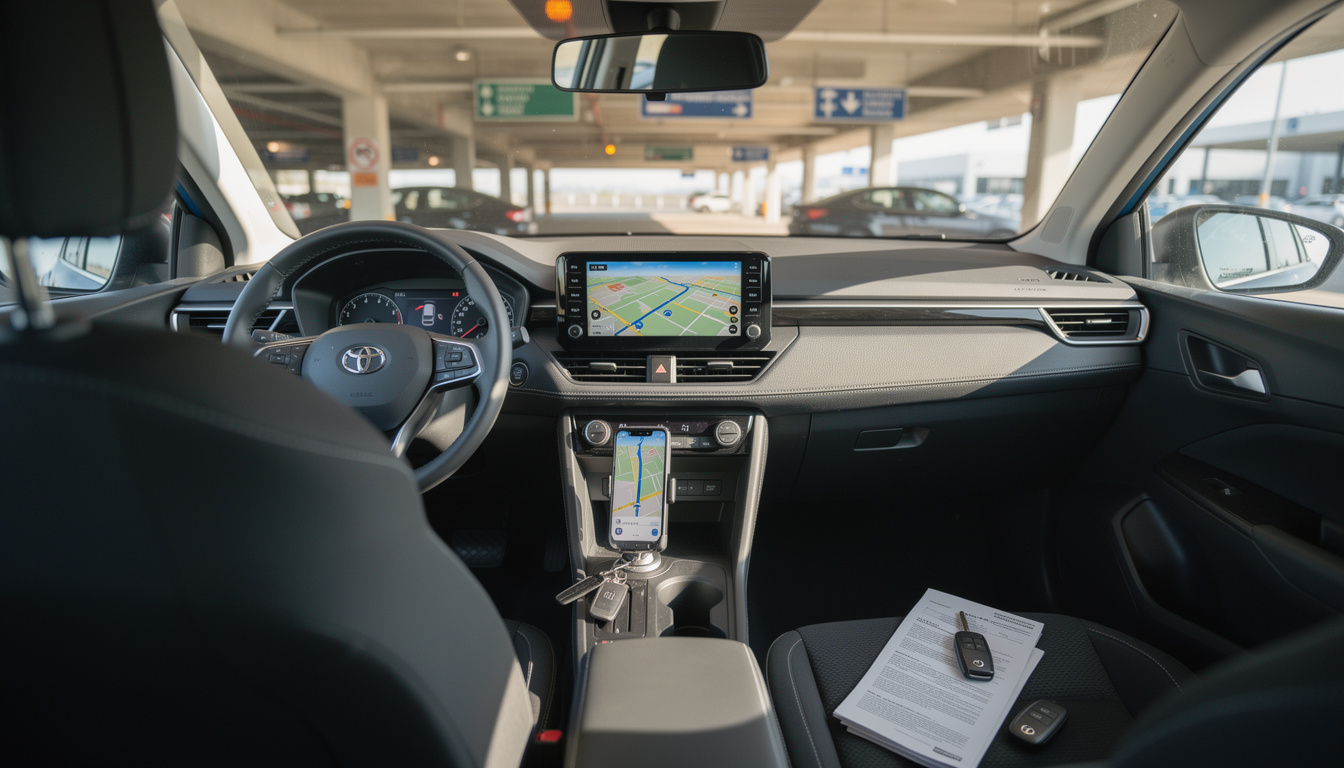
People love to ask, “Should I rent a GPS or just use my phone?” The honest answer is: it depends on what kind of driving you’re doing, who’s driving, and how prepared you are. A dedicated device can feel old-school, but the GPS benefits are still real—especially once you leave dense city coverage behind.
Where a built-in or portable GPS still shines
A standalone or factory-fitted unit is designed for one job: getting you where you’re going. It’s easy for multiple drivers to share because it isn’t tied to one person’s Apple ID, battery life, or data plan. It also keeps working when mobile signal drops—think mountain routes, desert stretches, or certain national park corridors where your phone becomes a camera and not much else.
Maya’s friend Jordan learned this on a winter drive that included a long rural detour. Their phone navigation kept recalculating with partial data, and the route guidance lagged right when it mattered—at confusing forks with no signage. A dedicated GPS would have avoided that mess because the core map data lives on the device. That “offline by default” behavior is a quiet superpower.
Where rental GPS can be annoying (and surprisingly pricey)
Portable GPS units often come with a daily fee, and over a week that can add up fast. Another annoyance: map freshness. Some units aren’t updated often, so a newly opened airport ramp or a reworked toll road can confuse the routing. And there’s a simple logistics issue: busy pickup windows can run out of devices at the counter. If you want one, reserving it ahead of time is smarter than hoping there’s a spare at 5 p.m. on a Friday.
How to make your smartphone a reliable navigator
Your phone can be excellent at navigation because it leverages live traffic and incident reports. Apps like Google Maps, Apple Maps, and Waze are great at rerouting around congestion and warning you about slowdowns. But you need a setup that doesn’t fall apart mid-drive.
- 🔌 Bring a short, reliable USB cable so you can charge while navigating.
- 🧲 Use a proper mount; fumbling with a phone on your lap is a bad plan.
- 📶 Decide your connectivity: roaming bundle, local SIM, or portable Wi‑Fi—before you land.
- ⬇️ Download offline maps for your main regions over Wi‑Fi to reduce data use.
- ⭐ Save key places (hotel, airport, major attractions) as favorites so you’re not typing while parked on a curb.
One more practical rule: set your first route while you’re still parked in the lot, then don’t touch the phone again. The next section expands from navigation to the broader world of rental add-ons that actually change the quality of a trip.
If you want a quick visual refresher on how to set up phone-based navigation smoothly in a rental, this helps:
Car Rental Extras That Actually Matter: From Child Seats to Additional Drivers
Navigation is the headline extra, but it’s not the only one that can save your day. The “extras” menu is where rental companies quietly solve practical problems: legal compliance for kids, fatigue management on long drives, staying connected for work, and staying safe in winter conditions. The mistake is treating all car rental extras as gimmicks. Some are pure convenience; others are risk control.
Child seats: not glamorous, absolutely critical
If you’re traveling with kids, a child seat isn’t optional in any meaningful sense. Laws vary by state and country, but the direction is consistent: children must be properly restrained. Carrying your own seat through airports can be a pain, especially with layovers, strollers, and luggage. Renting the correct type—infant seat, child seat, booster—keeps your trip compliant and your child safer.
Here’s the part people forget: “a child seat” isn’t one universal thing. Fit depends on age, weight, and height, and you’ll want it installed correctly. If you’re unsure, ask the counter staff what model they provide and how it secures (LATCH/ISOFIX vs belt). A rushed install in a parking garage is how mistakes happen.
Additional driver service: the fatigue factor
For road trips, adding a second driver is one of the most underrated rental upgrades. It’s not just about comfort; it’s about staying alert. Long highway stretches after a flight can be brutal. Also, many policies only cover authorized drivers. If someone else drives without being added, you can create an insurance nightmare in the event of damage.
Maya’s group split driving between Orlando and the Gulf Coast. They added Jordan as an additional driver, and it changed the whole rhythm: they could rotate, stop less aggressively for “I’m too tired,” and keep the schedule without pushing anyone past their limits. That’s what a good extra does—it reduces pressure.
Portable Wi‑Fi and connectivity extras
A portable hotspot sounds like a luxury until you’re dealing with roaming fees, spotty service, or a laptop that needs internet for work. If you plan to navigate, stream, or handle emails on the move, this can be a practical add-on. Just confirm device limits (battery life, number of connections, coverage areas), because not all hotspots perform the same.
Winter equipment: seasonal, but non-negotiable when needed
Snow chains, winter tires, and de-icers are the kind of extras you don’t think about until you’re on a mountain road watching weather roll in. In some regions, winter equipment is legally required during certain months or conditions. If your itinerary includes high elevations or winter weather, plan for it upfront. The cost of the add-on is usually less painful than the cost of a slide into a guardrail.
Now that you’ve got the “comfort and compliance” side of extras, it’s time to talk about the tech layer that sits behind modern rentals—especially vehicle tracking and what it means for you.
For more context on whether renting a dedicated GPS makes sense compared with your phone, this overview is useful:
Rental Technology and Vehicle Tracking: What’s Happening Behind the Scenes
A lot of renters hear “tracking” and immediately imagine a blinking dot watching their vacation in real time. The truth is less dramatic and more operational. Vehicle tracking has become a standard part of rental technology because it helps companies manage fleets, reduce theft, assist with recovery, and sometimes support roadside help. In practice, it affects you indirectly—through policies, fees, and features that shape the overall rental experience.
Why fleets use tracking (and why you should care)
From the company’s perspective, tracking helps with logistics: finding cars, optimizing turnaround, and confirming where a vehicle is when a customer reports an issue. It can also support safety features like emergency response. From your perspective, it can influence how “geofencing” works (some vehicles may have restrictions on crossing borders), how toll programs are managed, and how disputes are handled if there’s confusion about return time or location.
Imagine Maya returns her car to the wrong terminal area at a large airport. Without location data, sorting that out could take hours, plus extra charges. With modern systems, a depot can locate the vehicle quickly and fix the mistake. That’s a real-world example where tracking reduces friction rather than creating it.
Tracking vs navigation: not the same thing
It’s easy to mix up fleet telematics with GPS navigation. Navigation systems are there to guide the driver. Tracking systems are there to manage the asset. A vehicle can be trackable without offering you any turn-by-turn directions. That’s why renters are sometimes surprised: “How can the car have GPS but no maps?” Because the GPS receiver might be used for telematics, not a consumer navigation interface.
Data, privacy, and the practical questions to ask
You don’t need to turn this into a legal seminar, but it’s smart to ask straightforward questions at pickup: Are there any location-based restrictions? Is there a toll program enabled? Does the car support CarPlay/Android Auto? If the agent can’t answer quickly, request the printed or on-screen feature list. Clarity upfront prevents arguments later.
To make the decision-making concrete, here’s a quick comparison that ties together navigation and other popular rental add-ons.
| Option | Best for | Watch-outs | Quick vibe |
|---|---|---|---|
| Built-in GPS navigation | 🧭 Stress-free guidance, shared driving | 🗺️ Maps can be outdated; not always included | “Easy mode” if it’s truly included |
| Portable GPS unit | 🏞️ Remote routes, weak signal areas | 💸 Daily fees; limited stock at busy depots | Reliable, a bit old-school |
| Smartphone navigation systems | 🚦 Live traffic, city driving, familiar apps | 📶 Data/roaming costs; needs mount + charging | Powerful if you prep properly |
| Additional driver | 🛣️ Road trips, long drives, fatigue control | 🧾 Must be authorized for coverage | Small fee, big comfort |
| Child seat | 👶 Legal compliance and safety for kids | 🔧 Fit and installation matter | Unsexy, essential |
| Wi‑Fi hotspot | 💼 Work trips, multi-device connectivity | 🔋 Battery/caps/coverage vary | Convenient when roaming is painful |
The final piece is pulling all of this into a decision strategy: how to pick car rental extras without overspending or getting surprised by fees.
Choosing Rental Upgrades Without Regret: A Simple Strategy for GPS and Extras
There’s a predictable moment at the counter: the agent starts listing rental upgrades quickly, you’re tired, and you just want to leave. This is where people either overbuy out of anxiety or underbuy and regret it by the first complicated interchange. The sweet spot is choosing extras based on your route, your group, and your tolerance for hassle.
Start with your route: city grid or signal deserts?
If you’re staying in a metro area with reliable coverage, your phone is usually enough for navigation—especially with CarPlay/Android Auto. If your trip includes national parks, long rural stretches, or winter driving, that’s when a dedicated GPS and offline planning become more valuable. Put differently: the less predictable your connectivity, the more you should value hardware that doesn’t depend on it.
Then look at the group: who drives, who navigates, who panics?
If multiple people will drive, a built-in system or portable unit is easier to share. If only one person drives and they already know their preferred apps, smartphone navigation is typically smoother. And if you have a passenger who’s happy to manage routes, a phone can work brilliantly—as long as it’s mounted and the driver isn’t distracted.
Bundle logic: when “all-in” pricing is actually calming
Some booking styles (think “all inclusive plus” type deals) bundle coverage, mileage, toll handling, and navigation into one upfront price on selected itineraries. The advantage isn’t that it’s always the cheapest; it’s that it reduces surprise charges and decision fatigue. If you can also modify extras or cancel within a reasonable window (often up to 48 hours before pickup on many offers), you can lock a good baseline early and refine later when your itinerary firms up.
Questions that save money and stress
- ❓ Is GPS navigation explicitly listed on my confirmation, or am I assuming because there’s a screen?
- 🔌 Does the car support CarPlay/Android Auto, and do I have the right cable?
- 📶 What’s my data plan for the trip—roaming bundle, local SIM, or hotspot?
- 🛡️ Who will drive, and are they all authorized on the contract?
- 🧒 If traveling with kids, what exact seat type do I need (infant/child/booster)?
When you treat extras like tools—picked for a specific problem—you end up with a rental that feels tailored, not upsold. Next are a few quick answers to the questions people keep asking at the counter and in group chats.
Do all rental cars come with GPS navigation as standard?
No. Many compact and budget vehicles don’t include built-in navigation, and portable GPS devices are often optional car rental extras. Always check your confirmation details instead of assuming a screen means maps are included.
Is it worth paying for a GPS unit if I can use navigation on my phone?
If you’re comfortable with phone-based navigation systems, have reliable data (or offline maps), and you’re mostly driving in built-up areas, your smartphone is usually enough. A separate GPS can be worth it for remote routes, multi-driver trips, or when you want navigation that doesn’t rely on your mobile plan.
Will using GPS on my smartphone cost extra in mobile data?
It can. Turn-by-turn directions and especially live traffic updates use data, so set up a roaming bundle, local SIM, or a hotspot before you drive. Downloading offline maps on Wi‑Fi reduces data use significantly.
What’s the difference between vehicle tracking and GPS navigation in a rental car?
Vehicle tracking is part of rental technology used by the rental company for fleet management, security, and operational support. GPS navigation is the driver-facing feature that gives directions. A car can be trackable without offering built-in maps to the driver.
Which rental add-ons are the smartest picks for comfort and safety?
The best rental add-ons depend on your trip, but the usual high-value picks are an additional driver for long journeys, the correct child seat for families, winter equipment when conditions require it, and a navigation plan (phone setup or dedicated GPS) that matches your route.